|
Master Voyager
(CD/DVD and USB Flash Memory password protection for Windows
10/7)
| Features |
 |
How to protect DVD/CD or USB Memory Stick by
Password?
Preamble
"WellPoint, one of the nation’s largest
health insurers, has begun notifying 75,000 members of its
Empire Blue Cross and Blue Shield unit in New York that a
compact disc holding their vital medical and other personal
information had disappeared. The information was on an
unencrypted disc that a subcontractor recently sent to
Magellan Behavioral Services, a company in Avon, Conn., that
specializes in monitoring and coordinating mental health and
substance abuse treatments for insurance companies."
New York Times. March 14, 2007.
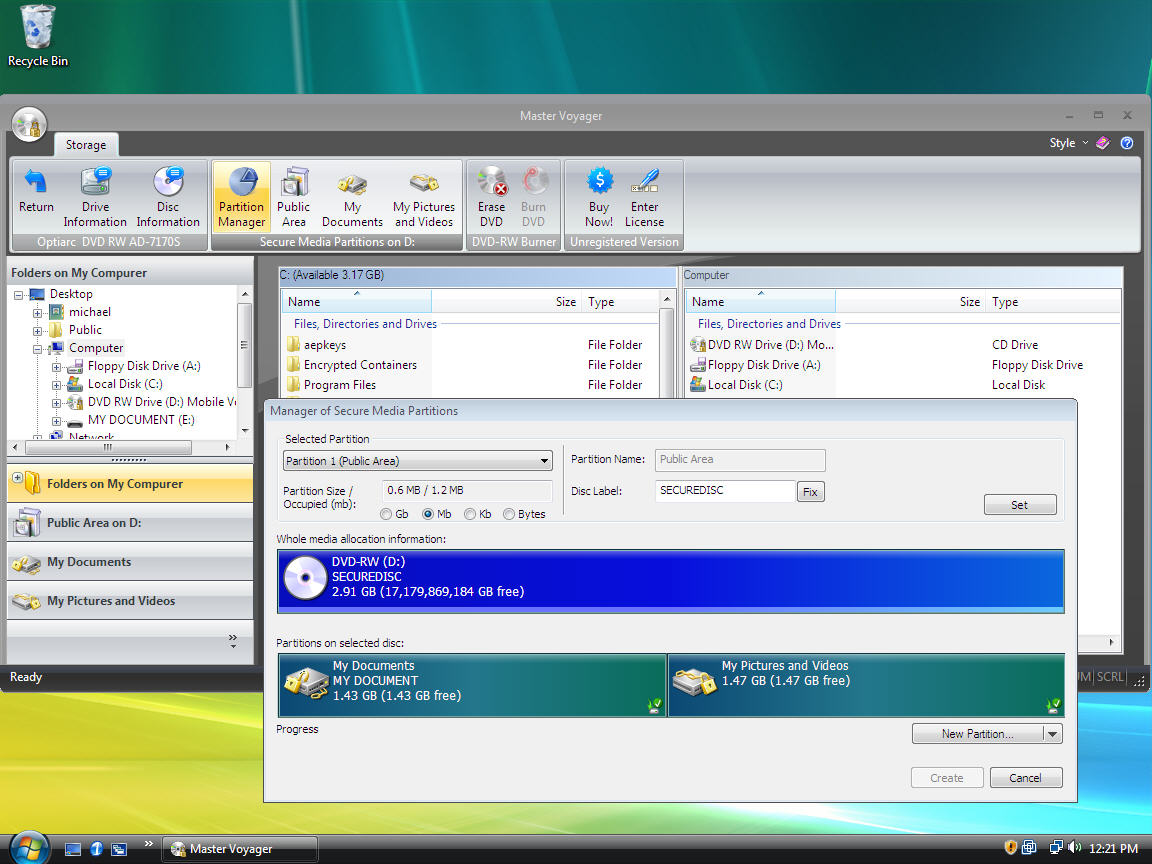
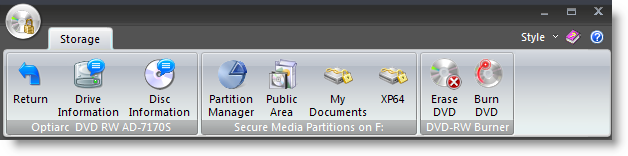
Master Voyager is especially designed to create
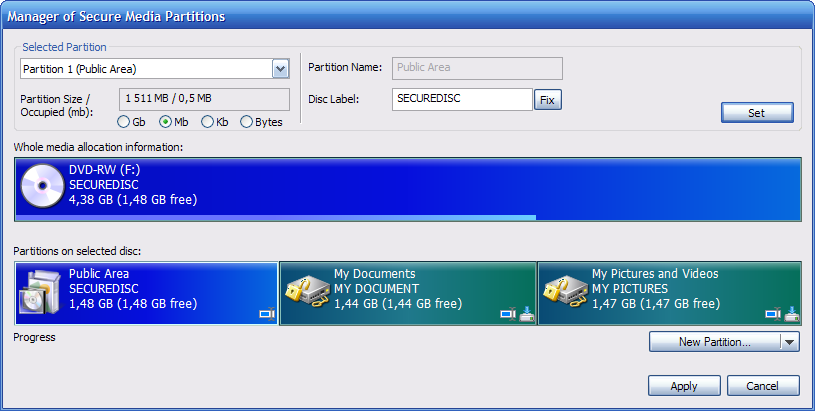
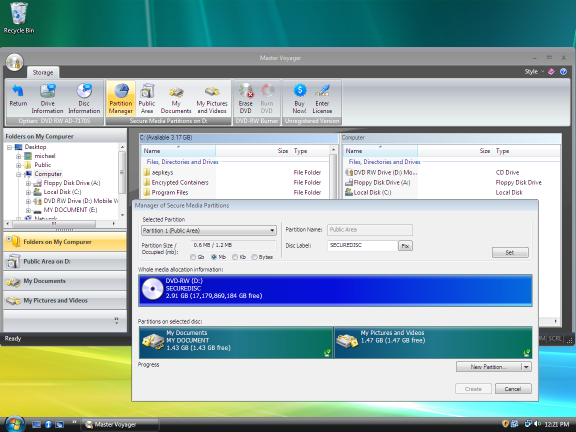
protected DVD/CD discs and USB Memory Sticks. It creates
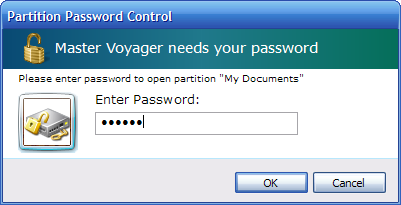
protected areas on the media and it is needed to enter
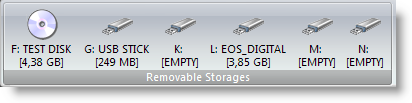
password to see protected contents. Protected Disc/USB Stick is
fully autonomous and does not need any special software
installed on computer.
Main Features
-
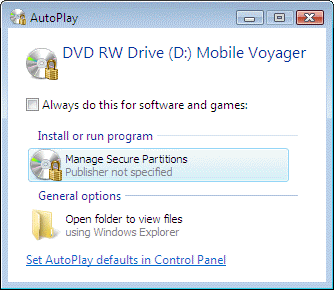
You do not need to wait until large amount of data will be decrypted to the
computer from protected media. Master Voyager utilizes special on-the-fly
decryption technology used in our
CryptoExpert
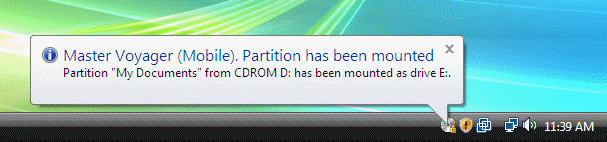
Professional software. You just enter password and protected areas become
visible as virtual hard drives like E:, G:, Z: etc. Just eject disc from CD
Drive and all virtual drives will disappear from system. On the fly decryption
technology allows to store movies/executable files/audio files inside the
protected area.
You need Master Voyager if:
-
You need to
send CD/DVD via postal mail
-
You store
backups of important data on CD/DVD
-
You like to
travel and need to have important data in your pocket
Read what's
new in version
1.23
(
October 19, 2008
)
Master Voyager is distributed on the "try before you buy"
basis. You can download evaluation version for free of
charge.
The only limitations of free evaluation version are:
1. It works 30 days only
2. Only fixed password "123" can be used for
creating/mounting secure partitions.
Registered version has no any limitations. Users of
registered version receive new/updated versions for free of
charge during lifetime.
Click image to download MSI Installation Package with
free evaluation version:

Click image to purchase registered version.

We will be glad to answer all your
questions. Do not hesitate to contact us:
support@secureaction.com
|


 Report about bugs found on this
page
Report about bugs found on this
page